The Simple Answer: Why Do Real Emails Go to Spam?
Your email isn't going to spam only because of what you wrote—it’s often due to 'Digital ID' issues that mailbox providers check first. While reputation, patterns, and engagement matter, modern filters like Gmail and Outlook heavily consider your domain's authentication (SPF, DKIM, and DMARC). If this authentication is missing or incorrectly configured, your email may be rejected or sent to spam, even if it’s an important business proposal.
Think of it as a bouncer at an exclusive club. You might be a legitimate visitor, but if you don't have the correct ID, you may be denied entry. We will show you how to get your authentication in order to help ensure your messages reach the inbox. Check your domain's Trust Score and email health here.
TL;DR: Quick Summary
- The Cause: Missing or broken authentication (SPF/DKIM/DMARC) is a primary reason for spam filtering.
- The Fix: Add SPF, DKIM, and DMARC records to your DNS settings.
- Reputation: If you use a shared hosting service, other senders on the same IP may damage your reputation.
- Bounces: Sending emails to addresses that don't exist is a major red flag for mailbox providers.
- Lists: Avoid buying email lists. They often contain spam traps that can damage your reputation quickly.
- Engagement: If people don't open your emails, mailbox providers may see your mail as unwanted.
Beginner Guide: The 3 Pillars of Email Authentication
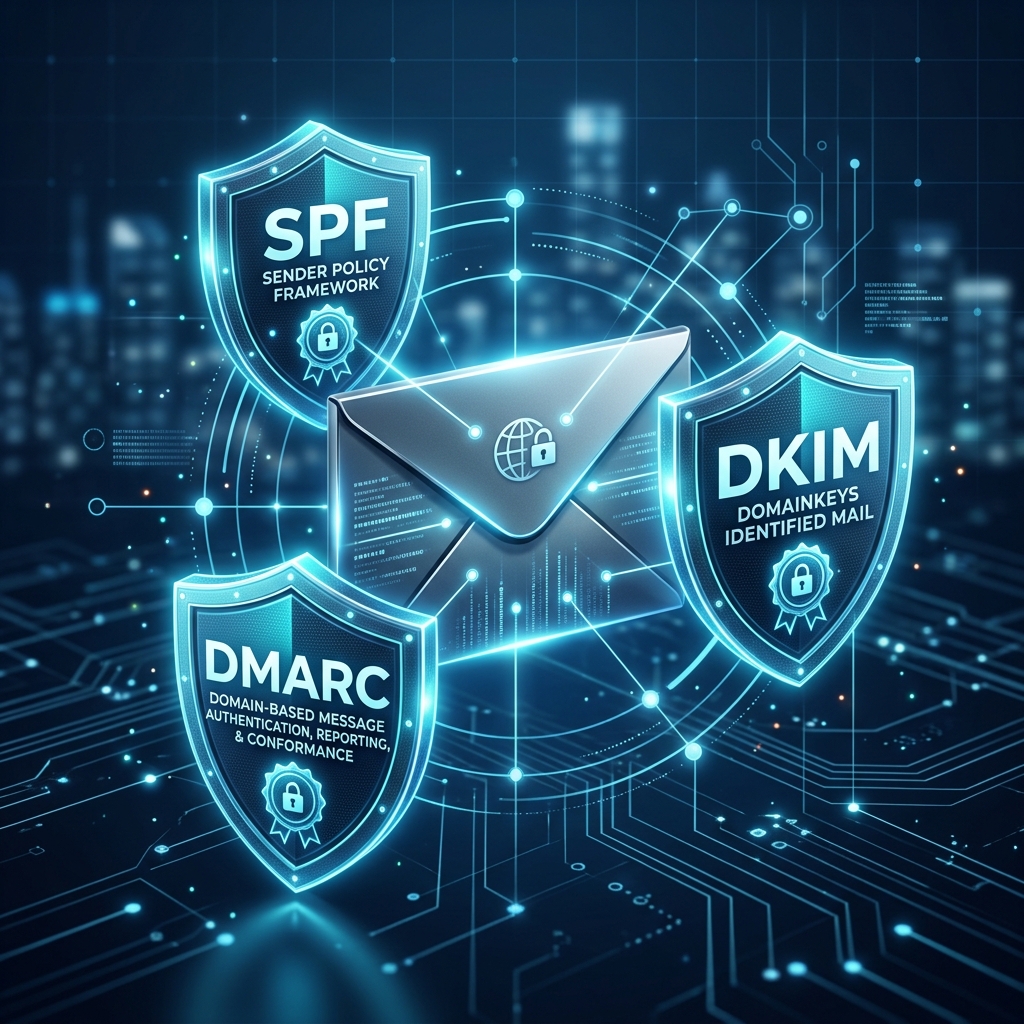
To prove you are a legitimate business, you need three technical settings in your DNS (Domain Name System). Think of these as your business's Official Seals.
1. SPF: The Authorised Senders List
SPF (Sender Policy Framework) tells the world: 'Only these specific servers are allowed to send mail for my company.' If an unauthorized server tries to send mail from your domain, providers may flag or block it.
2. DKIM: The Digital Signature
DKIM puts a digital signature on every email you send. It helps prove the email wasn't altered or spoofed while it was traveling across the internet.
3. DMARC: The Instructions
DMARC is the policy layer. It tells providers: 'If you see an email that fails the SPF or DKIM checks, reject it or send to spam.' This is one of the most important tools for protecting your brand from being impersonated. Verify your SPF, DKIM, and DMARC status here.
The IP Reputation Problem: Shared Deliverability
Imagine you share a street with several other businesses. If one of those neighbors behaves poorly, the entire block's reputation may suffer.
A Shared IP behaves the same way. If you use a low-cost email service, your emails might be sent from the same IP address as hundreds of other senders. If one sender on that IP is a spammer, the entire IP might be blacklisted. The Fix: For high-volume senders with consistent patterns, moving to a 'Dedicated IP' can provide better control, provided it is warmed up properly. Check if your sending IP is on a global blacklist here.
Comparison Table: Authentication and Inbox Placement
| Setup | Provider Reaction | Inbox Placement |
|---|---|---|
| No SPF/DKIM | 'Unauthenticated' | Spam or Blocked |
| SPF Only | 'Incomplete Identity' | Inconsistent |
| SPF + DKIM | 'Verified Identity' | Strong Placement |
| SPF + DKIM + DMARC | 'Protected Brand' | High Deliverability |
Common Mistakes and Practical Issues
- The Urgency Trap: Subject lines that mimic spammers (e.g., 'URGENT NEWS!!!') are more likely to trigger content filters. Maintain a professional tone.
- Ignoring Postmaster Tools: Google and Microsoft offer tools (like Google Postmaster Tools) that show exactly how they view your sending reputation. It is essential for monitoring your health.
- Sending to Stale Lists: High bounce rates (over 2%) can signal to providers that you are using low-quality lists. Regularly clean your data to maintain trust. Clean your email lists before your next send here.
- Hidden Unsubscribe Links: If users can't find an easy way to opt-out, they will report your email as spam, which significantly harms your reputation.
When to Use Transactional vs. Marketing Servers
Transactional (Alerts, Receipts):
- Rules: These should be prioritized for fast delivery and high reliability.
- Strategy: Use a separate subdomain (like receipts.yourcompany.com) to protect the reputation of your essential business communications.
Marketing (Newsletters, Sales):
- Rules: Focus on user engagement and permission-based sending.
- Strategy: Engagement metrics are a key factor in deliverability. Monitor your open rates and remove inactive users.
Final Thoughts on Inbox Delivery
In the digital age, your email address is your brand's calling card. If your communication is limited by spam filters, your business suffers. You don't need to be a technical expert to improve this—ensuring your SPF, DKIM, and DMARC are in place is one of the highest-ROI tasks you can perform. DNS changes can take time to propagate based on your TTL settings, so it is best to start today. Run a full email deliverability and IP health audit right now.